
What to expect
Png2Psd accepts static WebP images and uses AI to create separate raster layers for a Photoshop PSD. Opening a WebP directly in an editor usually gives you one image; AI separation attempts to isolate visible objects. It cannot restore pixels lost to compression or recover an original design file.
WebP banners and product graphics
A flat marketing banner may combine a product, badge, price and background. Describe the elements you need separately. Small lettering remains raster content; recreate live text in your design editor when changing prices or wording.
Transparency does not imply stored layers
A WebP alpha channel describes transparency for the visible image, not a Photoshop layer stack. AI-generated edges can differ from that alpha channel. Use the highest-quality authorized original and inspect the result against light and dark backgrounds.
When a simple format conversion is enough
If you only need to open a WebP in Photoshop or save a one-layer PSD, an image editor may be sufficient. Use AI separation when independently editable visual elements are required. Animated WebP timelines are not supported by this workflow.
Practical tips
- Upload a static WebP up to 30 MB with at least 262,144 total pixels
- Use only web graphics you own or are licensed to modify
- Check lettering, thin lines, alpha edges and compression halos
- Keep the downloaded source and compare it with every generated layer
How it works
- 1Save the original static WebP and confirm you may edit it
- 2Upload the image and name the objects to separate
- 3Inspect the generated layers for detail changes and edge artifacts
- 4Export the PSD or individual PNG layers and finish any cleanup
See what AI layer separation produces
Real results from self-owned images. Compare the source with individual layers before trying your own picture.

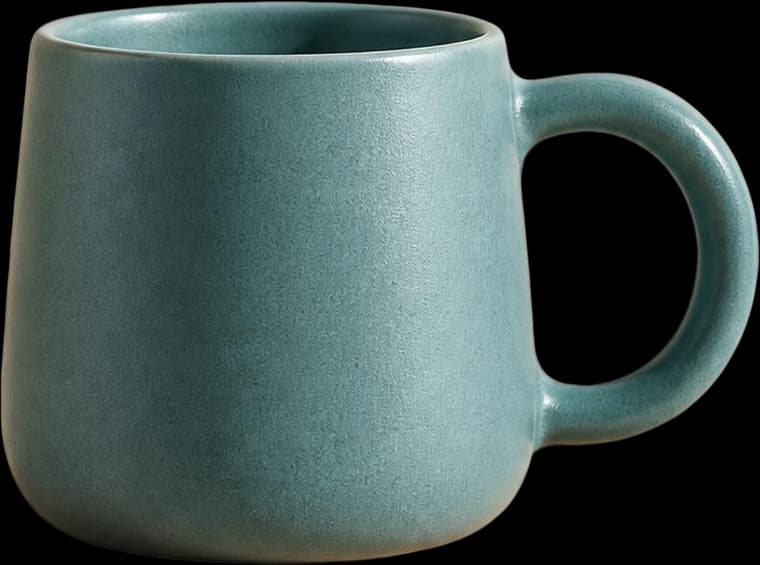
A ceramic mug, orange, leaf and plinth separated for a product composition. Inspect transparency and the reconstructed plinth edge.

These are actual AI results, not guaranteed outcomes. Details can change; a base image may still contain objects. Moving a layer can require cleanup. The character example is not a Live2D rig.
Frequently asked questions
Can I convert WebP to PSD with layers online?
Yes. Upload a supported static WebP to infer separate raster layers and export PSD. An account and sufficient credits are required; the result is reconstruction rather than source-layer recovery.
Will WebP to PSD remove compression artifacts?
Not reliably. Separation may change or reconstruct pixels, but cannot recover information discarded during compression. Inspect small text, gradients and edge halos.
Does a transparent WebP keep its exact alpha channel?
Do not assume exact preservation. AI creates new layer masks that can differ from the input. Check fine and translucent edges before use.