What to expect
AI layer separation can help isolate a character from its background or props, but Png2Psd is not an automatic Live2D rigger. A Live2D-ready PSD usually needs specific facial parts, hair groups, clean hidden-area artwork and a carefully organized layer structure. Those requirements need manual art preparation and validation in Live2D Cubism.
What an AI Live2D separator can help with
For a flat character illustration, separating the character, background and accessories can speed up early preparation. This is object separation. It does not guarantee the part-level structure or clean artwork needed for facial expressions and animation.
A preparation checklist before importing into Cubism
Use an illustration you own or are licensed to edit. Review the layer hierarchy, remove redundant reference layers where appropriate, name intended parts, repair alpha edges, and paint covered areas. Test PSD import and intended movements in your Live2D version; format compatibility alone does not establish rig readiness.
What to do when hair, limbs or clothing merge
Start with a clear character image and describe a few visible groups, such as the character, hat and prop. Optional selection regions can guide the request, but they are not pixel-accurate masks and do not guarantee a head, arm or joint hierarchy. Inspect overlaps, missing pixels and alpha edges in each returned layer. Paint hidden artwork and separate movement-specific parts manually, then test the PSD in your animation editor. Png2Psd does not generate the rig, physics or animation frames.
Practical tips
- Treat the result as a reference or starting point, not a ready-to-rig character
- Eyes, eyelids, pupils, mouth shapes and overlapping hair may need separate hand-prepared parts
- Hidden skin and hair regions need sufficient coverage for movement
- Deformers, meshes, parameters, motion and rigging are created in Live2D, not exported by Png2Psd
How it works
- 1Choose authorized character artwork
- 2Describe the broad character and accessory separation you need
- 3Inspect the exported raster layers
- 4Prepare facial parts and hidden artwork manually
- 5Organize the PSD and validate it in Live2D Cubism before rigging
See what AI layer separation produces
Real results from self-owned images. Compare the source with individual layers before trying your own picture.
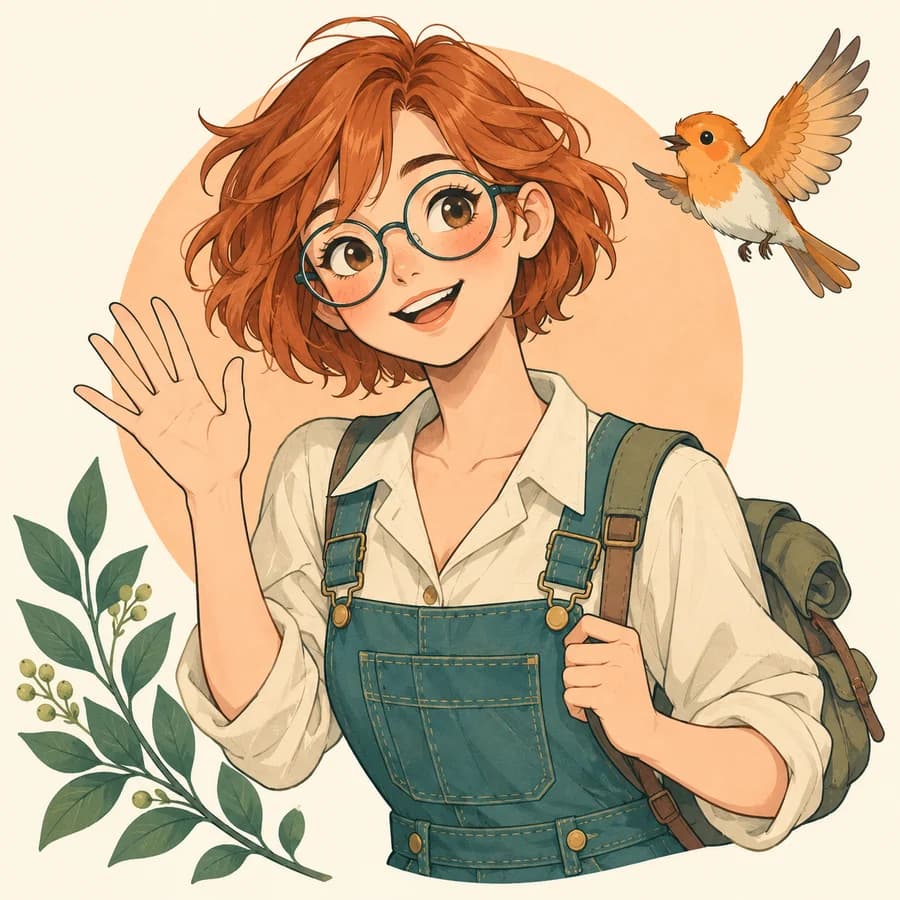
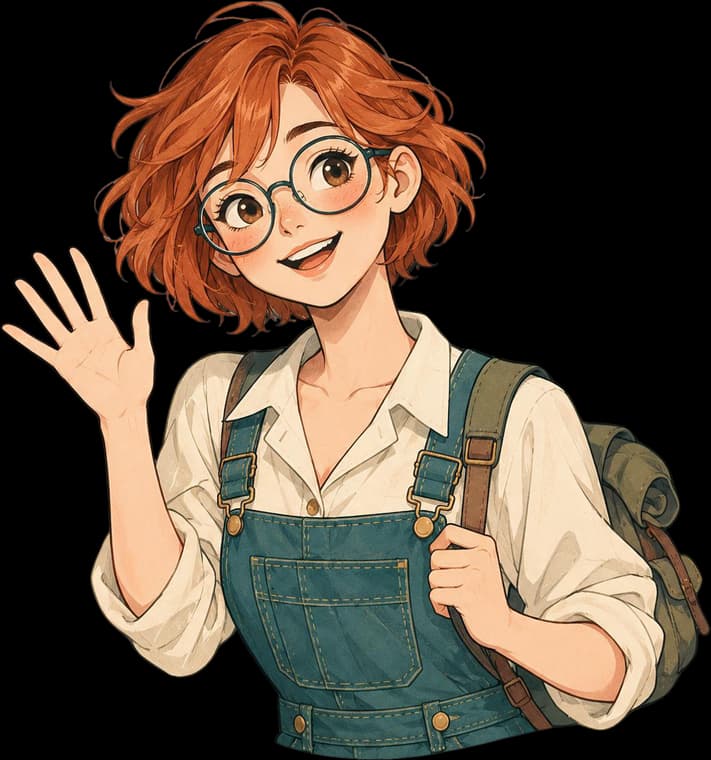
A character, bird, plant and circle separated from a flat illustration. The character remains one piece; eyes and mouth are not prepared for rigging.
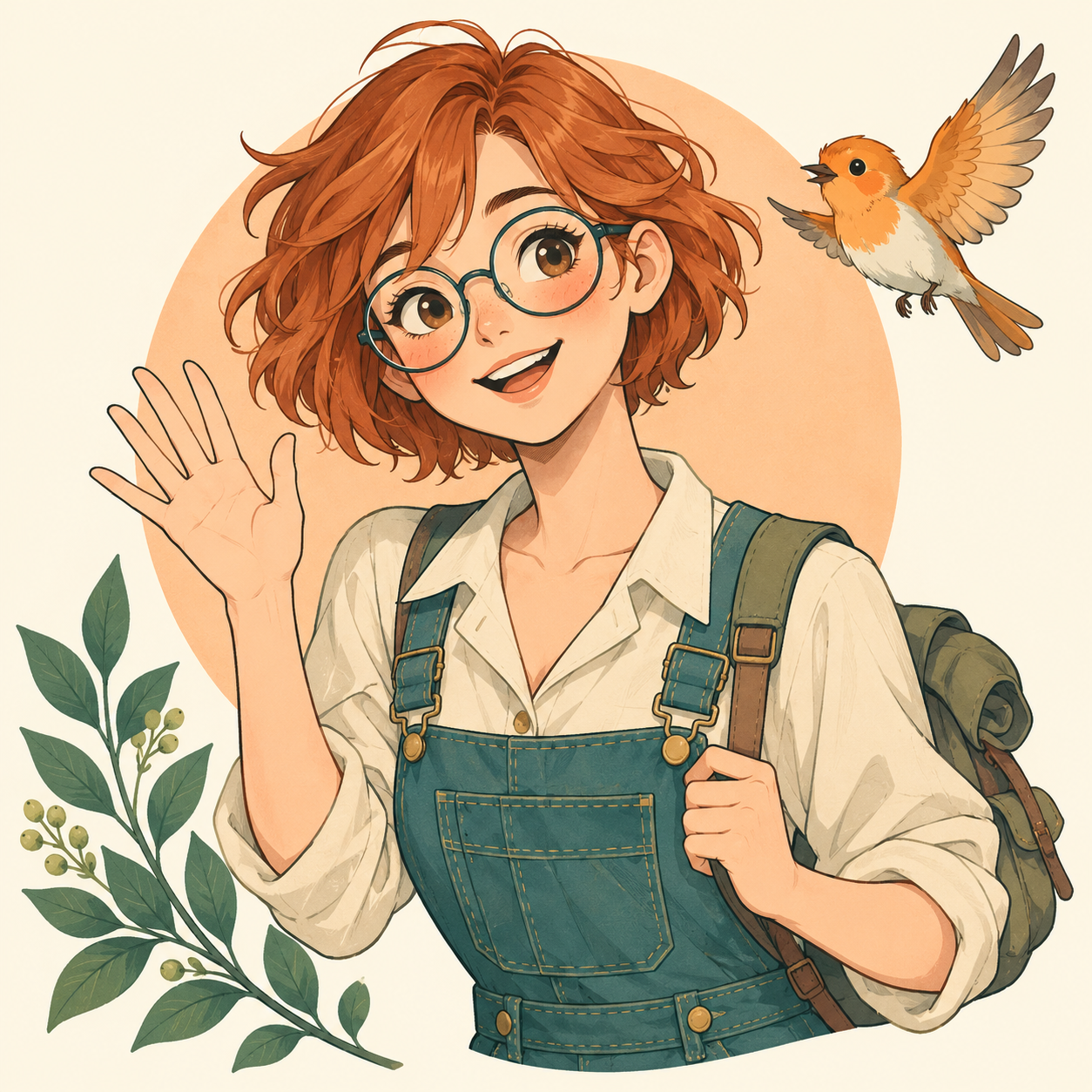
These are actual AI results, not guaranteed outcomes. Details can change; a base image may still contain objects. Moving a layer can require cleanup. The character example is not a Live2D rig.
Frequently asked questions
Can an AI separator make a Live2D-ready PSD?
Not automatically. Png2Psd separates visible raster content and exports PSD, but does not guarantee the facial parts, hidden-area painting, hierarchy or rigging needed for Live2D.
Can I split a flat anime character for Live2D?
You can attempt broad subject and object separation. Eyes, mouth parts, hair groups and other animation-specific elements usually need additional manual preparation.
Does Png2Psd export Live2D meshes or motion?
No. Deformers, meshes, parameters and motion are created separately in animation software.
Is the character case a Live2D animation example?
No. It demonstrates real AI separation of a character, background and other visual elements. It is not a rig, animation or guarantee of Cubism-ready artwork.
How can I fix overlapping joints and missing pixels in AI-separated character layers?
Inspect the source and each returned layer, especially hair, sleeves and joints. A clearer source and focused object request may help, but cannot reveal the true hidden artwork. Repair masks and paint the coverage required for movement manually, then validate the parts in your rigging application.
Can I export character layers as SVG, a spritesheet or a finished VTuber model?
Png2Psd exports raster PSD layers, individual PNG layers and a PNG layer ZIP from separation tasks. It does not generate SVG vectors, spritesheets, animation frames, meshes, physics or a finished VTuber rig. Prepare and validate those separately.