What to expect
If an image generated by GPT or another image model is exported as PNG, JPG or WebP, it is still a flat raster image. Png2Psd can attempt to separate its visible subject, background and objects into new layers. It does not access the other model's generation history or restore original editable design components.
A GPT image is not a layered design file
The prompt and the visible image do not contain a recoverable Photoshop document. Layer separation works from the exported pixels; it does not retrieve internal model layers or hidden editing metadata.
What makes AI artwork easier to edit?
Start with well-separated silhouettes, clear contrast and enough resolution. Request subject, background and a few important props. For text-heavy posters, keep separated lettering as a raster reference and recreate live text if you need to change wording or fonts.
Practical tips
- Use the downloaded original rather than a compressed screenshot
- Make sure you have the rights to use the image and its visible elements
- Ask for a few clear objects instead of promising every tiny detail
- Review faces, hands, small text and covered regions because AI reconstruction can change them
How it works
- 1Download your original AI-generated image
- 2Upload the file and name the desired visual layers
- 3Run separation using available credits
- 4Compare the generated elements with the source
- 5Export a layered PSD and correct details when needed
See what AI layer separation produces
Real results from self-owned images. Compare the source with individual layers before trying your own picture.
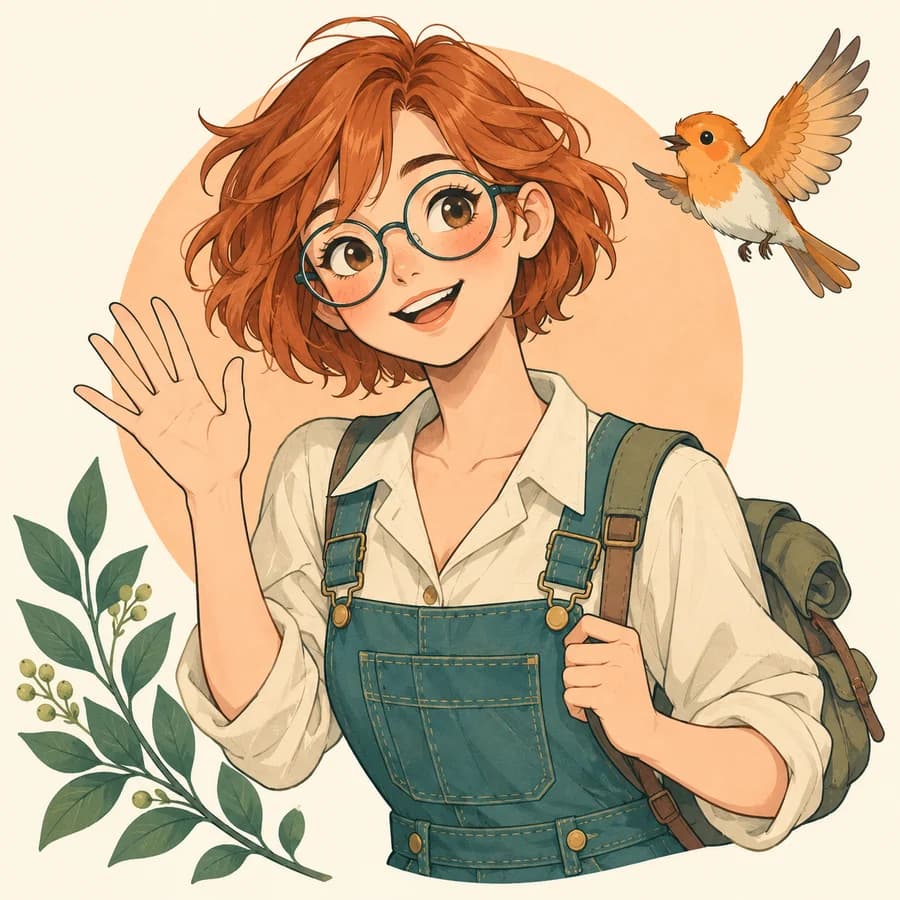
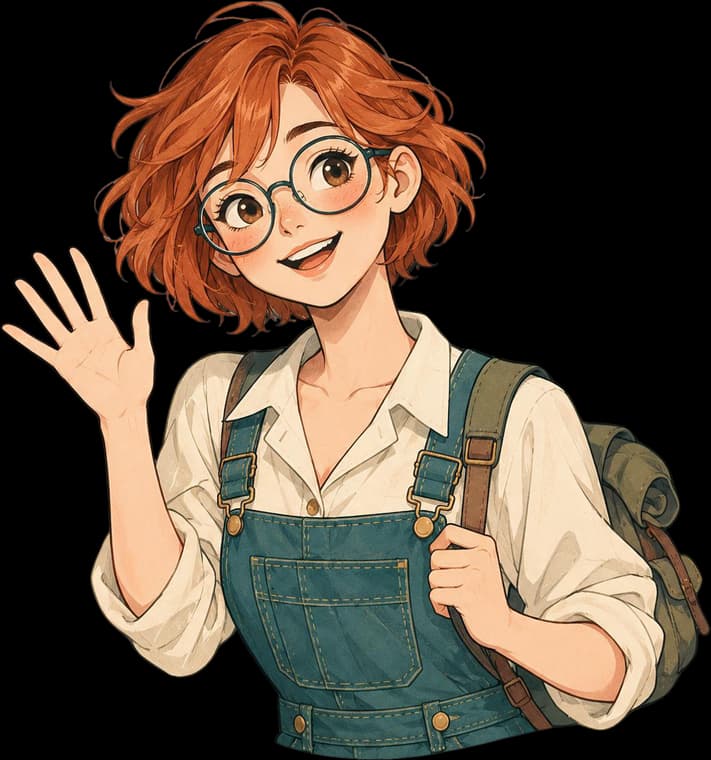
A character, bird, plant and circle separated from a flat illustration. The character remains one piece; eyes and mouth are not prepared for rigging.
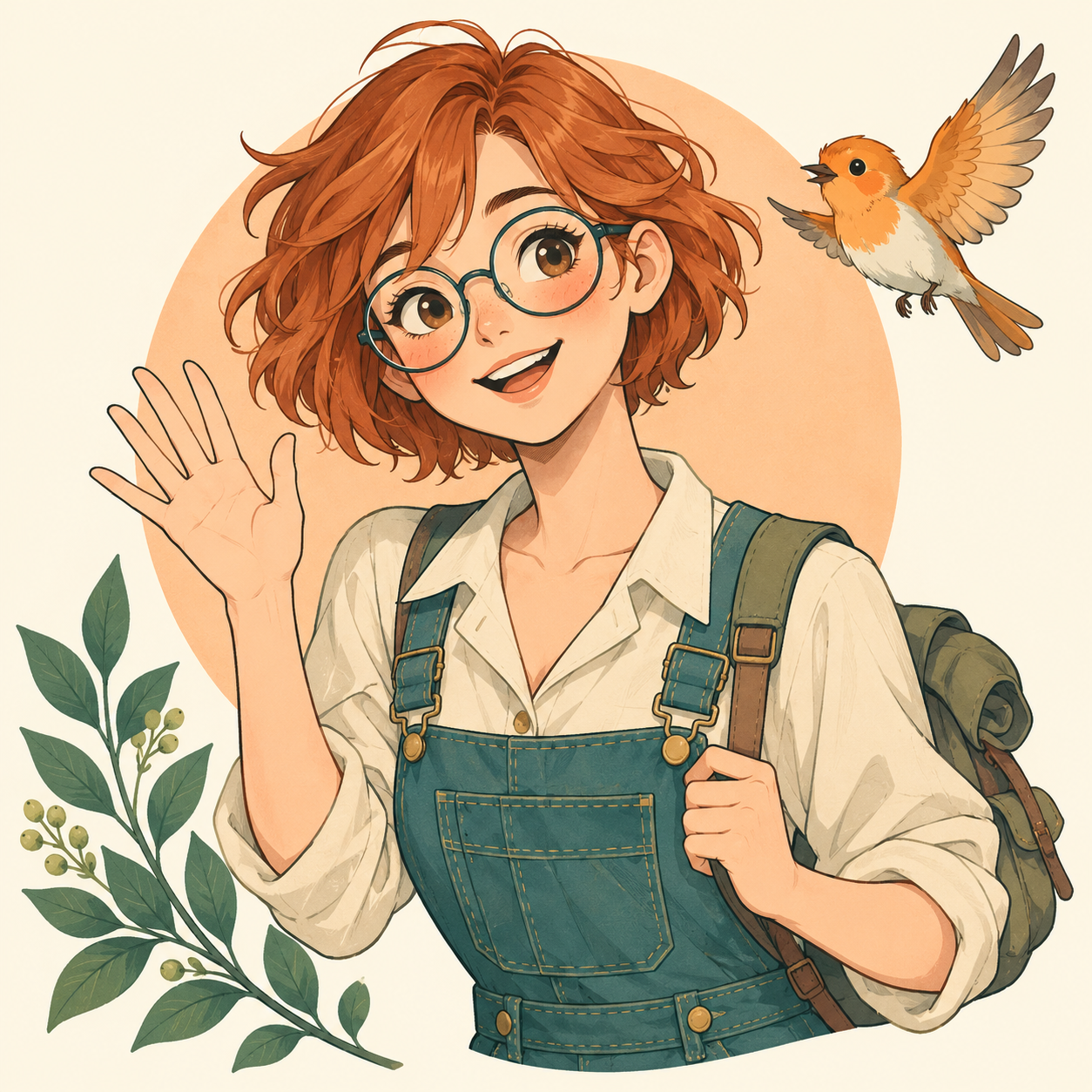
These are actual AI results, not guaranteed outcomes. Details can change; a base image may still contain objects. Moving a layer can require cleanup. The character example is not a Live2D rig.
Frequently asked questions
Can I separate GPT image layers online?
Yes, a supported exported GPT image can be used as a flat input. The task creates new inferred raster layers; it does not recover model-internal or original Photoshop layers.
Can I separate AI-generated images online for free?
Available signup credits can be used for a limited trial after sign-in. An account and sufficient credits are required, and processing is not unlimited.
Can I turn an AI image into PSD with editable text?
You can export raster layers in PSD, but text visible in the source image does not become editable font text automatically. Recreate typography where necessary.
Does this only work with GPT images?
No. The input format and visible composition matter more than the image generator. JPG, PNG and WebP are supported; other image providers are not integrated or accessed by this workflow.
Does AI to PSD mean converting an Adobe Illustrator .ai file?
Not in this workflow. Here AI refers to an AI-generated image exported as JPG, PNG or WebP. Native Illustrator .ai files are not accepted, and their vector paths or editable text are not transferred. Use the original design application when you need native vector structure.