What to expect
To separate layers of a flat image, retain the original picture, identify the elements you need, use AI separation to produce new raster layers, and inspect each result before exporting PSD. A flat image contains merged pixels, so the original design-layer structure cannot be recovered exactly.
What can be separated from a flattened image?
A distinct product, person, background or decoration is usually easier to inspect than tiny lettering, translucent glass or heavily overlapping objects. AI output varies by image. A returned layer is an editing starting point, not proof that the hidden pixels match the original.
When the flattened layers cannot be recovered
Editable fonts, vector paths, adjustment layers and the designer's masks were discarded when the file was flattened. Recreate typography and complex masks as needed. Moving a cutout can reveal a hole or duplicated content in the base image, which may require manual retouching.
Practical tips
- If a source PSD, SVG or design file exists, use it first
- Separate only the elements that matter for your next edit
- Overlapping objects may need reconstruction of hidden areas
- Use both light and dark backgrounds to inspect transparency and edge halos
How it works
- 1Save a copy of the highest-quality original
- 2List the subject, background and objects to isolate
- 3Upload and add a focused separation prompt
- 4Inspect every layer at 100% zoom and in the full composition
- 5Export PSD and polish the masks or fill gaps in an editor
See what AI layer separation produces
Real results from self-owned images. Compare the source with individual layers before trying your own picture.
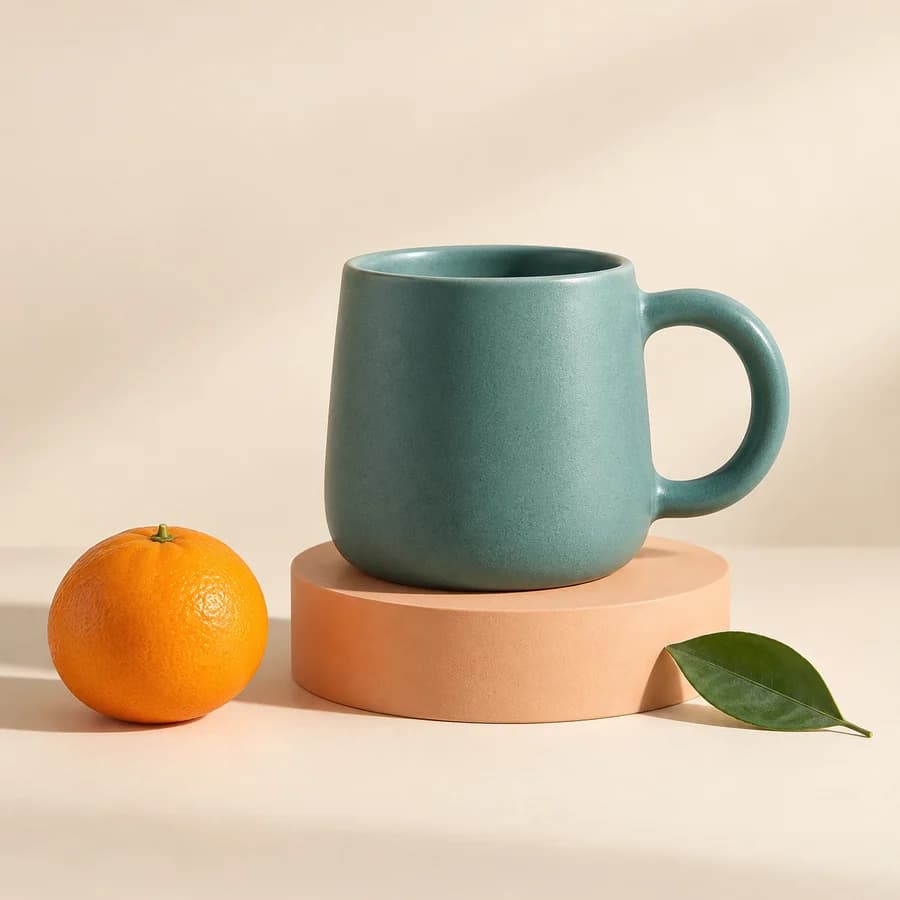
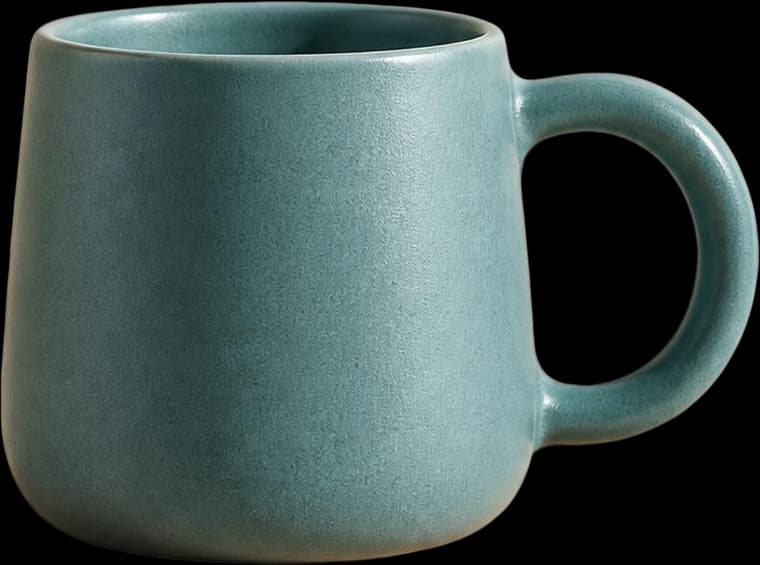
A ceramic mug, orange, leaf and plinth separated for a product composition. Inspect transparency and the reconstructed plinth edge.
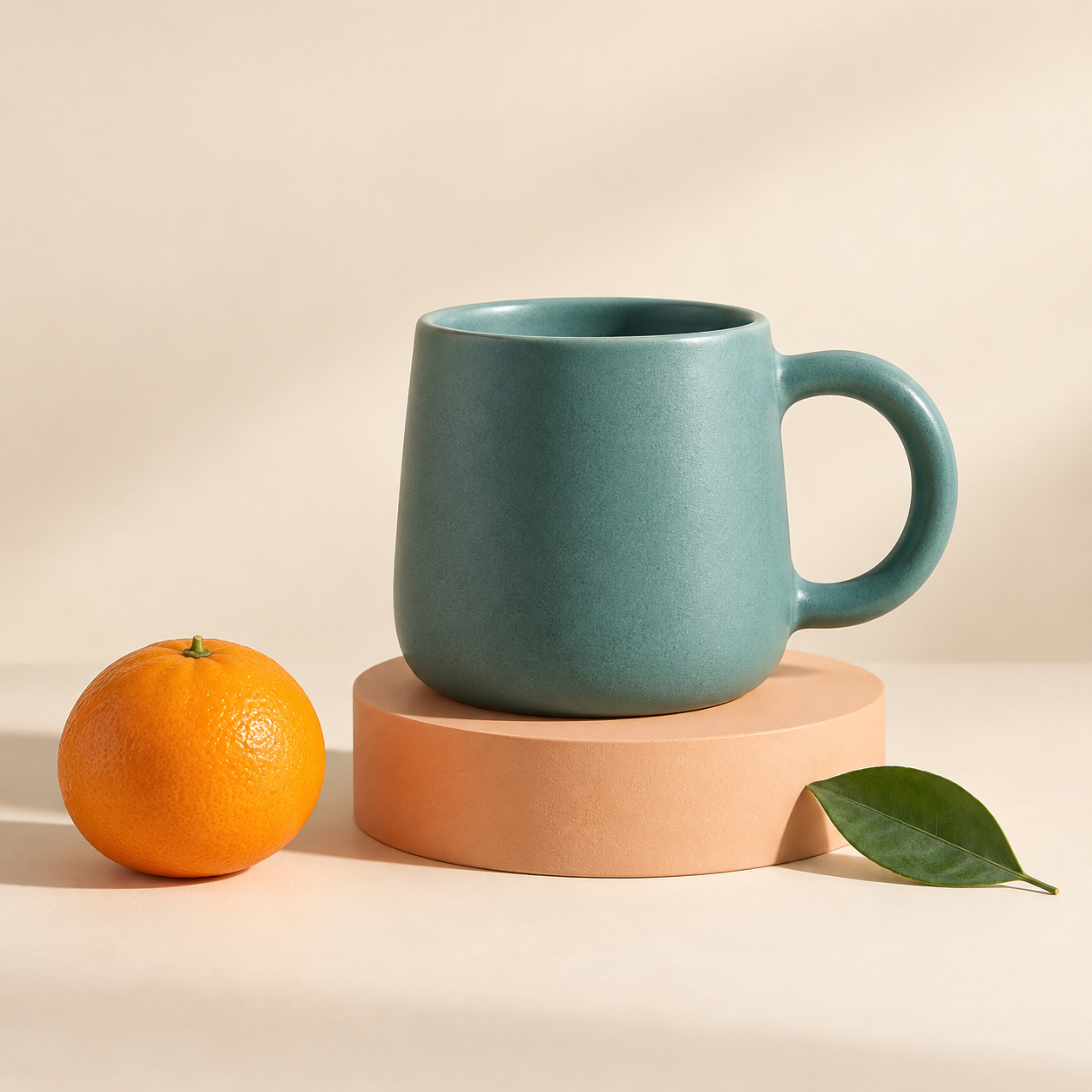
These are actual AI results, not guaranteed outcomes. Details can change; a base image may still contain objects. Moving a layer can require cleanup. The character example is not a Live2D rig.
Frequently asked questions
How do I separate layers of a flat image?
Use an AI separation workflow to infer visible elements and create new transparent raster layers. Inspect alignment and edges, then export PSD. This cannot restore the original source-layer structure.
How can I split a JPEG into separate layers?
A JPEG has no stored layers or alpha channel. AI can infer objects and reconstruct separated raster layers. Compression artifacts and covered regions need special inspection.
Can Photoshop unflatten an image after it is saved?
If the only file available is a merged JPG or PNG, the original layer history is absent. An unflattening or AI tool reconstructs content rather than reversing the export.
Will the result look exactly like the input?
Not necessarily. AI may change detail, geometry, shadows or text. Compare the original and output, and keep the source available for corrective edits.